
PixVerse is an AI-powered creative platform focused on video generation and visual content creation. It allows users to turn text prompts and images into videos while providing tools for effects, transitions, lip syncing, camera movement, extensions, and other creative workflows.
The platform is designed for creators, marketers, businesses, filmmakers, and anyone who wants to produce video content without relying entirely on traditional filming and editing workflows. With multiple AI models and an expanding collection of creative tools, PixVerse has developed into more than a basic text-to-video generator.
About PixVerse
PixVerse is built around AI video generation and production. Its current platform includes tools for text-to-video, image-to-video, AI effects, lip sync, transitions, video extension, camera movement, sound effects, reference-based generation, and other creative functions.
The platform also includes newer workflow-focused features such as Canvas, Agent, Marketing Hub, Mini-Apps, and API access. These features allow users to move from generating individual clips toward building more complete video projects.
PixVerse V6 is one of its current flagship models and supports features including 1080p generation, multi-shot video, native audio, and flexible aspect ratios.
What Does PixVerse Offer?
PixVerse combines several AI video creation tools into one platform. This makes it possible to create, modify, and prepare different types of visual content without switching between multiple services.
Text-to-Video
Text-to-video is one of the core features of PixVerse.
Users can describe a scene using a written prompt and generate a video based on the subject, setting, movement, camera direction, lighting, sound, and overall style.
This can be useful for creating social media clips, advertising concepts, product videos, educational content, cinematic scenes, and creative prototypes. PixVerse’s current text-to-video workflow is designed to turn a written idea into a moving scene without requiring a traditional production setup.
Image-to-Video
PixVerse also allows users to start with an existing image and transform it into an animated video.
A product photograph, character image, portrait, illustration, or other visual can become the starting point for a moving sequence. Users can then describe the desired camera movement, action, atmosphere, or visual direction.
This can be particularly useful for marketers and creators who already have visual assets but want to turn them into short-form video content.
PixVerse V6
PixVerse V6 is designed for more advanced AI video creation workflows.
The model supports video generation up to 15 seconds and 1080p resolution, along with multi-shot generation, native audio, and different aspect ratios. These capabilities allow creators to work on videos with more structured sequences instead of relying only on short standalone clips.
V6 also focuses on camera movement, character performance, shot direction, and audio-visual coordination. This makes it suitable for projects where creators want more control over how a generated scene develops.
AI Video Effects
PixVerse includes a range of AI-powered effects that can be applied to visual content.
These effects can be used for entertainment, social media content, e-commerce promotions, and creative experimentation. The platform also includes tools for transitions, restyling, swapping elements, and other visual modifications.
This gives creators more options after generating their initial video rather than requiring them to start over every time they want to change the visual style.
Lip Sync
Lip sync is another feature within the PixVerse ecosystem.
Users can work with text or audio to create synchronized mouth movements for characters and other subjects. The feature is useful for dialogue-driven clips, dubbing, character videos, and other content where speech synchronization matters.
AI Video Extension and Transitions
PixVerse can also extend existing video content and create transitions between visual frames.
Video extension allows creators to continue a scene with additional actions or visual elements. Transition tools can be used to connect different frames or scenes into a smoother sequence.
These features can reduce the amount of manual work required when developing short AI-generated videos.
Camera Movement and Creative Control
PixVerse provides dedicated camera movement options for creators who want more control over generated footage.
Instead of describing only what should appear in a scene, users can also specify how the camera should move. This can include cinematic movements such as push-ins, tracking shots, perspective changes, and other motion styles.
The platform currently promotes more than 20 professional camera movement options, giving users additional control over the visual presentation.
PixVerse Canvas
PixVerse Canvas is designed for organizing more complex AI video projects.
Rather than keeping every prompt, reference image, and generated result separate, Canvas provides a visual workspace where creators can organize assets, storyboards, prompts, and different generation tasks.
This can be helpful when working on projects involving multiple scenes, characters, references, or variations.
PixVerse AI Agent
PixVerse also includes an AI Agent designed to help users create and refine videos through natural-language instructions.
The Agent can work with creative directions and help users adjust elements of a video without requiring every change to be handled manually through separate controls.
For creators who prefer describing what they want rather than navigating numerous settings, this provides another way to interact with the video-generation workflow.
PixVerse for Marketing
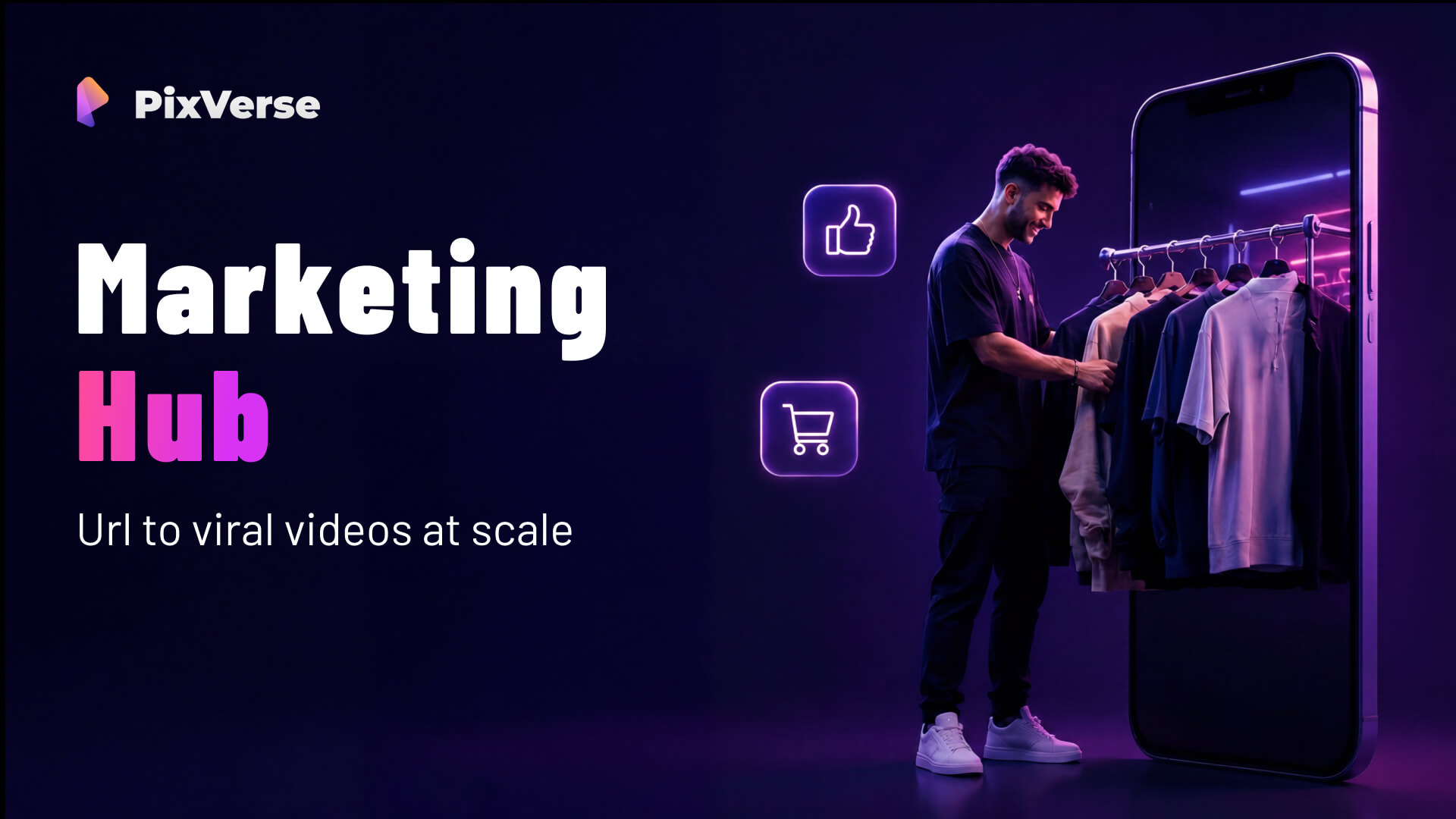
PixVerse has also expanded into marketing-focused video creation through its Marketing Hub.
The platform can help businesses create marketing and e-commerce videos using product images, product information, and other inputs. This can be useful for advertisements, product promotions, social media content, and campaign concepts.
For businesses with existing product photography, image-to-video generation can provide a way to create additional promotional assets without producing completely new footage for every campaign.
PixVerse API
PixVerse is also available for developers through its API platform.
The API supports capabilities such as text-to-video, image-to-video, image generation, templates, effects, and other creative workflows. Developers can use these tools to integrate AI video generation into their own applications, websites, platforms, and automated workflows.
This makes PixVerse relevant not only to individual creators but also to businesses and development teams looking to add AI video generation to their products.
PixVerse Pricing
PixVerse uses a credit-based system for many of its AI generation features.
The amount of credits required depends on the model, resolution, duration, audio settings, and type of generation. For example, the current platform documentation lists different credit requirements for V6 and other models at 360p, 540p, 720p, and 1080p.
Because AI video generation can require different amounts of processing depending on the selected model and settings, users should check the current credit requirements before starting larger projects.
Pros and Cons of PixVerse
Pros
- Text-to-video and image-to-video generation
- Multiple AI video models
- PixVerse V6 supports up to 1080p generation
- Native audio and multi-shot capabilities
- AI effects and creative transformations
- Lip sync and camera movement tools
- Video extension and transition features
- Canvas for organizing complex projects
- AI Agent for natural-language video workflows
- Marketing-focused video creation tools
- API access for developers
Cons
- Higher-quality generations can consume more credits
- AI video results may still require multiple attempts
- Complex projects can require careful prompt writing and refinement
- Credit usage varies depending on model and output settings
- Some advanced features may be better suited to experienced creators
Who Is PixVerse Best For?
PixVerse can be useful for a broad range of creators.
Social media creators can use it to produce short-form videos and visual effects. Marketers can create product promotions, advertisements, and campaign concepts. Designers and filmmakers can use AI video generation to visualize ideas before moving into traditional production.
It can also be useful for businesses that already have product images and want to turn those assets into additional video content.
Developers and product teams can explore the API when they want to integrate AI-generated video into their own applications or automated workflows.
Is PixVerse Worth It?
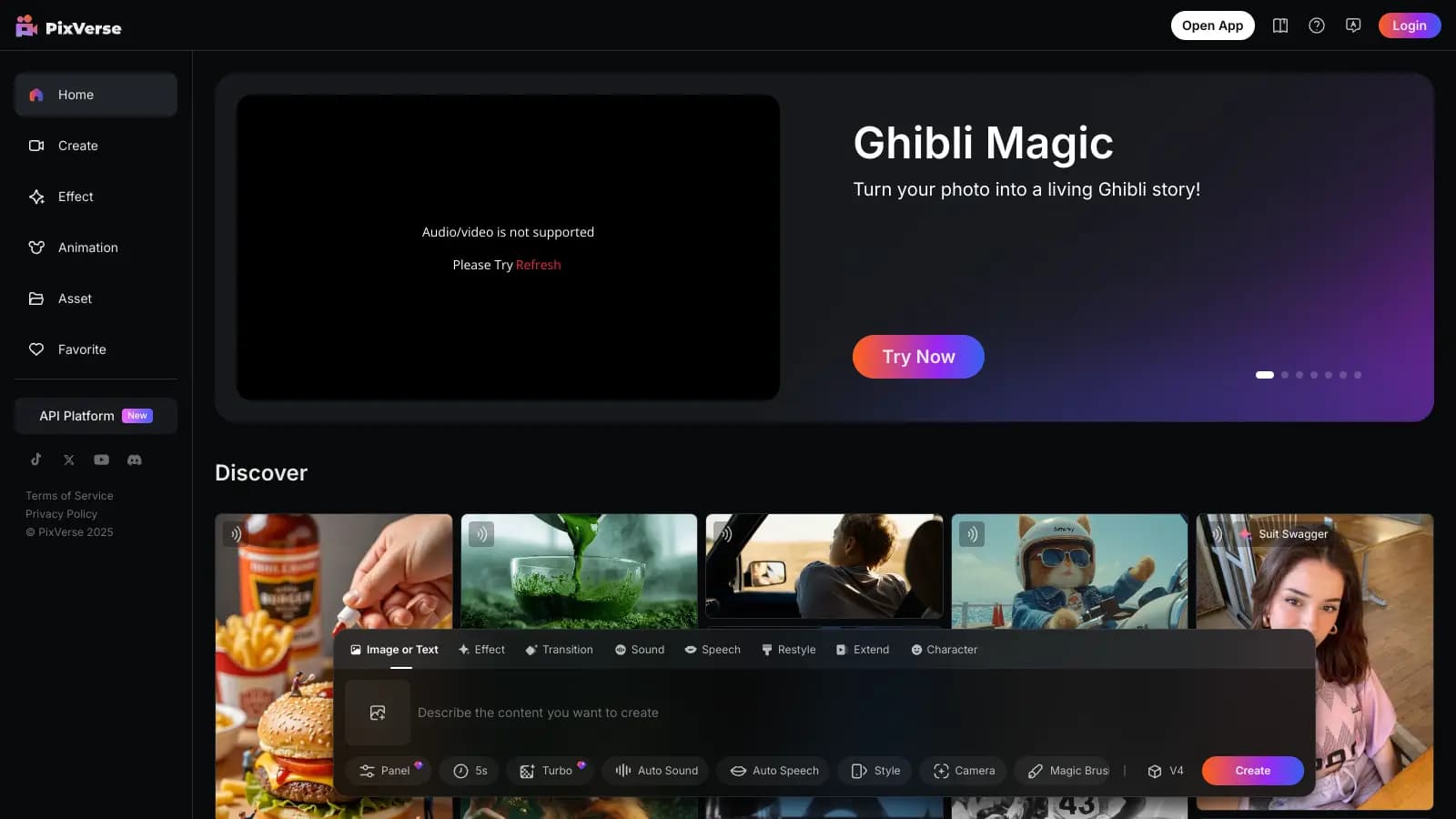
PixVerse provides a broad collection of AI video-generation and production tools rather than focusing on a single generation method.
Users can start with text, an image, or other visual references and then use features such as camera movement, effects, transitions, lip sync, extensions, native audio, and multi-shot generation to develop the result.
Its newer workflow tools, including Canvas and Agent, also make the platform more suitable for larger creative projects. At the same time, users should keep an eye on credit consumption, particularly when generating higher-resolution or longer videos.
Final Verdict
PixVerse is a comprehensive AI video platform that combines generation, editing, creative effects, workflow management, and developer tools in one ecosystem.
Its text-to-video and image-to-video capabilities form the foundation, while features such as V6, native audio, multi-shot generation, lip sync, camera movement, Canvas, Agent, Marketing Hub, and API access expand what creators can do with the platform.
For creators, marketers, businesses, and developers looking for an AI-focused video production platform, PixVerse is worth considering. Its biggest advantage is the number of creative workflows available within one platform, although users should consider credit consumption and the need for occasional prompt refinement when planning larger projects.