
Creating professional images, videos, graphics, and other digital assets traditionally requires several different tools. One platform may handle image generation, another may be needed for editing, and a separate service may be required for video or audio production.
Pixazo brings many of these AI-powered creative capabilities together in one platform. It offers tools for generating and editing images, creating videos and animations, working with audio, removing backgrounds, upscaling visuals, and preparing content for different formats. The platform also provides access to multiple AI models through a single interface.
About Pixazo
Pixazo is an AI creative platform designed for creators, marketers, businesses, designers, and developers who want to produce digital content with AI.
Its tools cover several creative workflows, including text-to-image generation, image editing, image-to-video, text-to-video, audio generation, background removal, upscaling, and other specialized functions.
The platform also has an agent-based workflow called Agent P, which can select and combine different tools based on the requested output instead of requiring users to manually move between separate applications.
AI Image Generation
AI image generation is one of Pixazo’s core features.
Users can describe the image they want using a text prompt and generate visuals for social media, advertising, blogs, illustrations, branding, product concepts, and other creative projects. The platform currently provides access to several image-generation models, including GPT Image, Nano Banana, Seedream, and FLUX.
The ability to switch between models can be useful when different projects require different visual styles or levels of detail.
Pixazo also allows users to upload an existing image and describe the changes they want to make, making the platform useful for both generating new visuals and modifying existing ones.
AI Image Editing
Pixazo’s AI Image Editor is designed for modifying and improving existing images.
Users can upload an image and use AI-powered instructions to make changes such as removing unwanted objects, changing backgrounds, enhancing visuals, or adjusting elements within the image. The editor is aimed at reducing the amount of manual editing required for common image tasks.
This can be particularly useful for marketing images, product visuals, social media content, and other situations where an existing image needs several modifications.
AI Video Generation

Pixazo also provides AI-powered video generation.
Its AI Video Generator can create short video clips from text prompts, while users can choose from different available AI video models. Current models include options such as Seedance, Veo, and Runway, with model availability changing over time.
Users can describe a scene, select an appropriate model, and generate a short video. The platform also supports image-to-video workflows, allowing an existing still image to become the starting point for an animated clip.
Image-to-Video
The image-to-video tool is useful when users already have a visual they want to animate.
A still image can be uploaded and converted into a short video with AI-generated motion. Pixazo currently provides access to multiple image-to-video models, allowing users to experiment with different motion and visual results.
This can be useful for turning product images, illustrations, photographs, or AI-generated artwork into short social media clips and promotional content.
AI Video Editor
Generating a video is only one part of the creative process. Pixazo also provides an AI video editor for refining generated or uploaded footage.
The editor supports timeline-based work, allowing users to arrange scenes, adjust cuts, control pacing, and combine AI-generated clips with existing video footage. This provides more manual control than relying entirely on automated video generation.
For creators producing marketing videos or social content, having generation and editing capabilities within the same platform can simplify the workflow.
Audio and Voice Tools
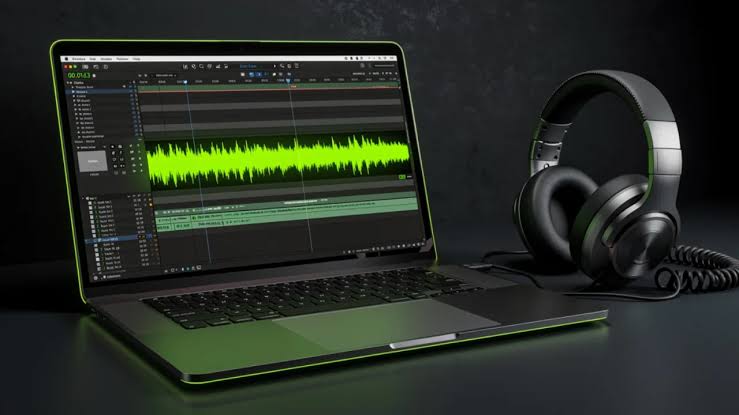
Pixazo extends beyond visual content with AI-powered audio capabilities.
The platform provides tools for text-to-speech, voice cloning, music, songs, and other audio-related workflows. These capabilities can complement AI-generated video by allowing creators to produce additional parts of a project without switching to a completely different platform.
Audio availability and model options can change as Pixazo updates its catalog.
Background Removal and Upscaling
Pixazo also provides several supporting image tools.
Background removal can be used to create transparent images or isolate subjects, while upscaling can improve the resolution of existing visuals. The platform also includes image restoration and reference-driven generation capabilities.
These tools can be useful when an image needs to be prepared for advertising, product presentation, printing, social media, or another specific format.
Agent P
Agent P is one of Pixazo’s newer approaches to AI-assisted creative work.
Instead of asking users to manually select individual tools, Agent P can determine which tools are needed for a requested task and run them as a sequence. For example, a workflow could involve generating an image, removing its background, upscaling it, converting it to another format, and preparing it for a particular use.
The system is designed around a conversational workflow where users describe the desired final output rather than managing every individual step themselves.
AI Models and APIs
Pixazo also targets developers who want to integrate AI capabilities into their own applications.
Its API platform provides access to a large catalog of AI models through a unified account and API setup. Available capabilities include image generation, image editing, video generation, audio, 3D, virtual try-on, and other AI workflows.
The API uses usage-based pricing for many models, while specific rates vary depending on the model and service.
This makes Pixazo relevant not only to individual creators but also to developers building AI-powered products.
Pixazo Pricing
Pixazo provides a free way to start, with new accounts currently receiving 100 bonus credits for a seven-day trial. The free trial does not require a credit card according to its pricing information.
The current Pro Monthly plan is listed at $15 per month and includes 300 credits per month, access to premium models, and unlimited use of certain in-house models. A Pro Yearly option is listed at $120 per year, with the company stating that it saves 33.3% compared with monthly billing.
Credit bundles are also available for users who prefer not to maintain a monthly subscription.
Pricing and model availability can change, so users should check the current plan details before purchasing.
Pros and Cons of Pixazo
Pros
- Multiple AI creative tools in one platform
- Text-to-image generation
- AI image editing
- Text-to-video generation
- Image-to-video capabilities
- AI video editing
- Audio and voice-generation tools
- Background removal and image upscaling
- Multiple AI models available through one platform
- Agent P can combine multiple creative steps
- Free credits available for new users
- API access for developers
- Suitable for images, videos, audio, and other creative workflows
Cons
- Credit usage can vary significantly between AI models
- Premium models can consume more credits
- Large creative projects may require a paid plan or additional credits
- Model availability can change over time
- Beginners may need time to understand the different tools and models
- AI-generated content may still require manual editing before publishing
Who Is Pixazo Best For?
Pixazo can be useful for creators who regularly produce AI-generated images, videos, graphics, or audio and want several capabilities available from one platform.
It may also suit marketers creating advertisements and social media content, designers producing visual concepts, businesses creating promotional material, and developers looking to integrate different AI models through an API.
The platform can be especially useful for users who would otherwise need several separate AI services for image generation, editing, video creation, and other creative tasks.
Is Pixazo Worth It?
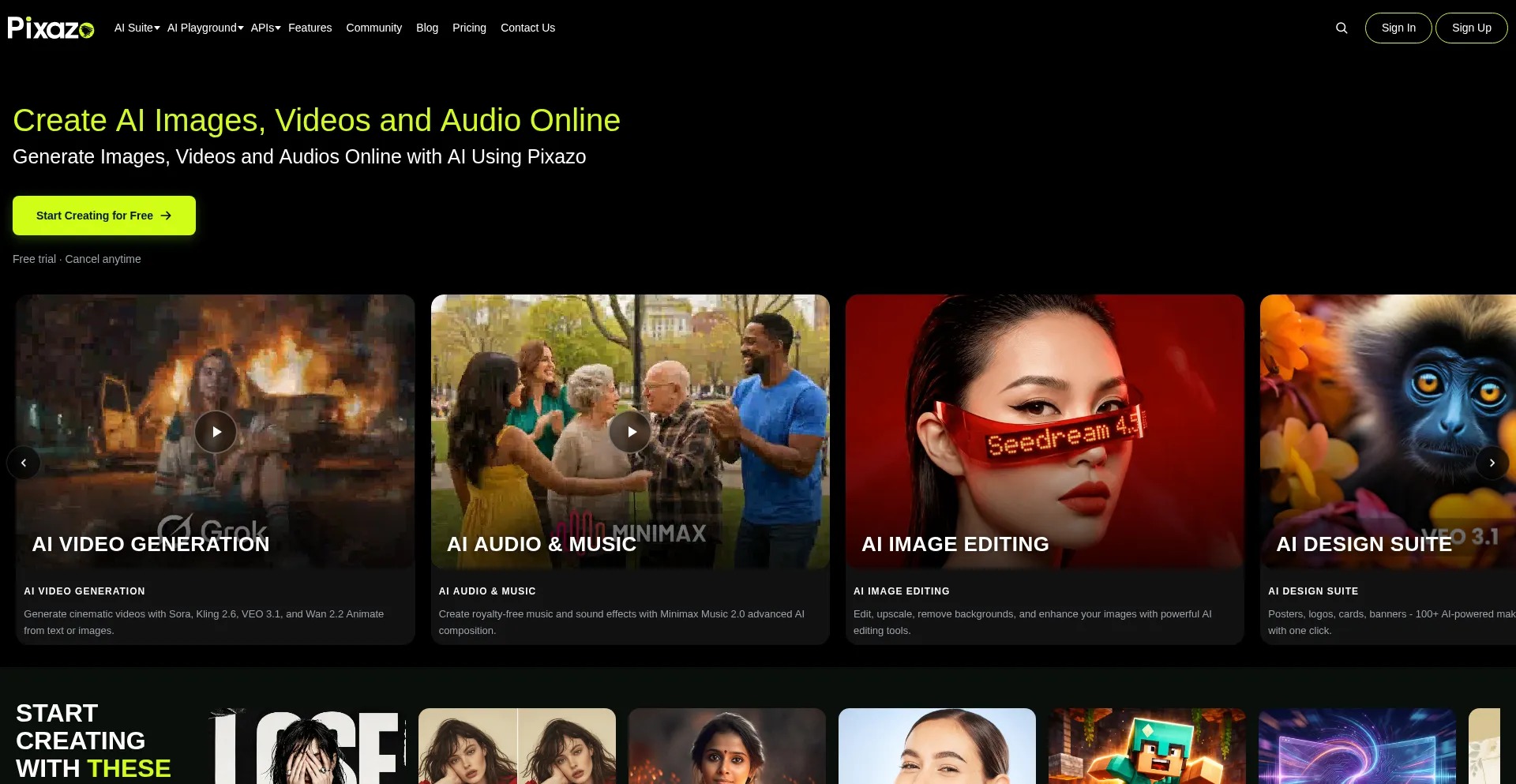
Pixazo provides a broad collection of AI-powered creative tools rather than focusing on only one type of generation. Users can create images, edit existing visuals, generate videos, animate still images, work with audio, upscale content, remove backgrounds, and perform other creative tasks from the same platform.
Its model-selection system is another important part of the platform. Instead of subscribing to multiple services simply to access different AI models, users can access a range of models through Pixazo.
The main consideration is credit usage. Different models and workflows consume different amounts of credits, so users working with high-volume video or premium models may need to monitor their usage carefully.
Final Verdict
Pixazo is positioned as an all-in-one AI creative platform for generating, editing, and transforming digital content. Its image generation, video generation, image editing, audio tools, upscaling, background removal, and API capabilities cover a wide range of creative workflows.
The addition of Agent P also gives the platform a workflow-oriented approach, allowing multiple tools to be combined into a single creative process.
For creators, marketers, designers, and developers who want access to multiple AI capabilities from one platform, Pixazo is worth considering. The free credits provide a practical way to test the available tools before deciding whether a paid plan fits the user’s workflow.