
Managing projects, tasks, sales activities, customer requests, and team workflows can become difficult when everything is spread across different tools. monday.com brings these activities into a customizable work platform where teams can organize work, track progress, collaborate, automate repetitive processes, and connect different workflows.
The platform now goes beyond traditional project management. Its product ecosystem includes monday AI work platform, monday CRM, monday dev, and monday service, allowing different teams to manage their specific workflows while staying connected.
But is monday.com worth using for your business or team? Let’s take a closer look at its features, products, pricing, advantages, and limitations.
About monday.com

monday.com is an AI work platform designed to help teams plan, manage, and execute work in one connected environment. Its system is built around customizable boards, where teams can organize tasks, projects, customer information, requests, and other types of work.
The platform also includes workdocs, forms, dashboards, templates, automations, integrations, and AI-powered features. Teams can view the same information in different formats depending on whether they need to manage daily tasks, monitor projects, or review overall performance.
What Does monday.com Offer?
monday.com has developed into a collection of products designed for different business needs. The main products include monday AI work platform, monday CRM, monday dev, and monday service.
monday AI Work Platform
The core work platform can be used to manage projects, tasks, processes, and team collaboration.
Work is organized through boards containing items, groups, and columns. These can represent different types of information, such as tasks, deals, requests, or tickets.
Teams can then use different views, dashboards, and widgets to understand their work from different perspectives. Templates are also available for teams that do not want to build their workflows completely from scratch.
The platform supports automations and integrations that can reduce repetitive manual work and connect information across different tools.
monday CRM
monday CRM is designed for sales teams and businesses that need to manage leads, contacts, customer information, and sales pipelines.
It includes tools such as pipeline views, deal stages, activity tracking, email management, sequences, quotes, invoices, and CRM-focused dashboards.
The platform also includes AI-related CRM features such as an AI Notetaker and AI agents for lead and sales activities, depending on the available plan and features.
monday dev
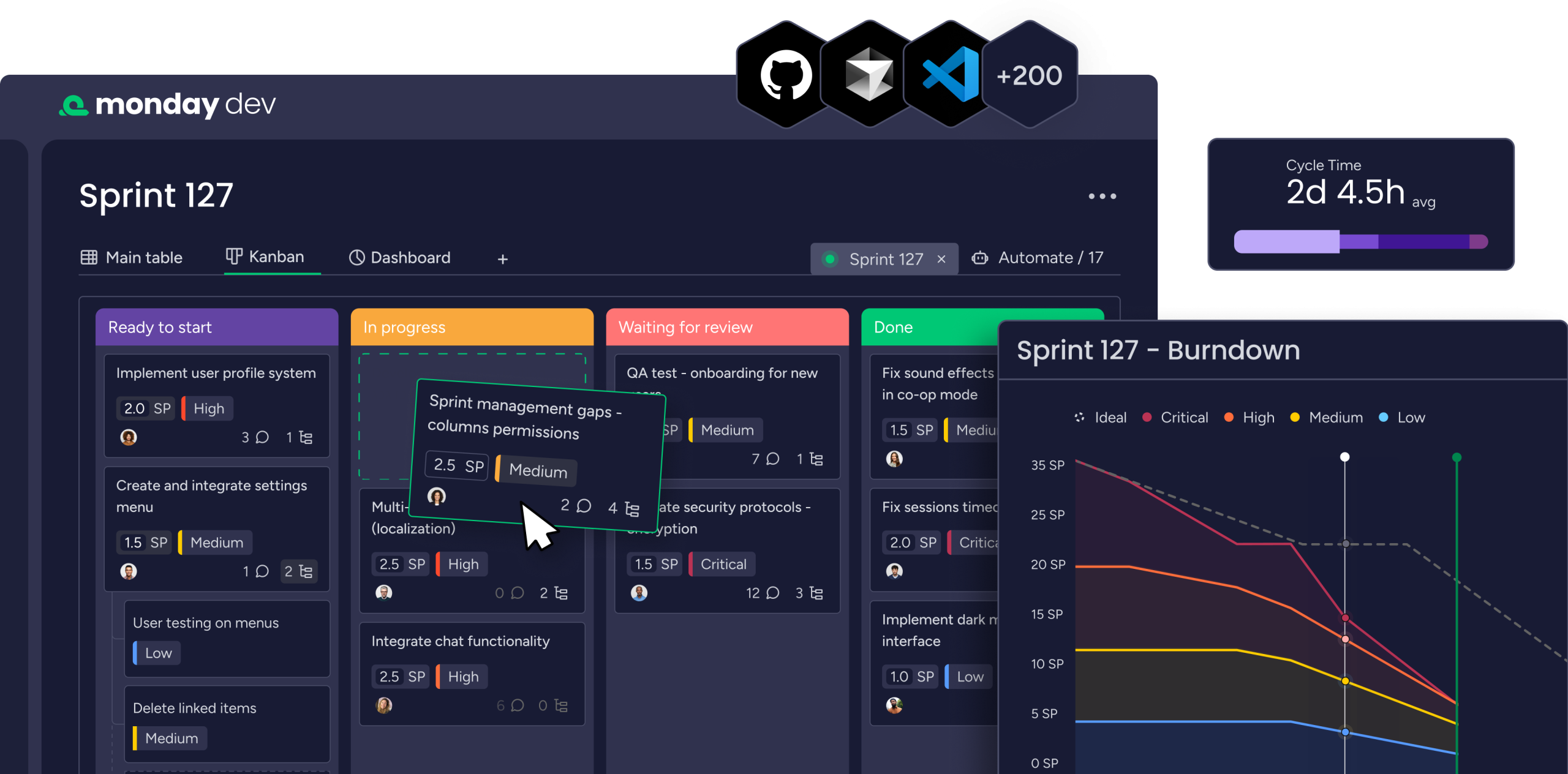
monday dev focuses on software and product development teams.
It supports sprint management, roadmap planning, bug tracking, Kanban workflows, agile reporting, product feedback, and development documentation. GitHub integration can also connect development activity with monday dev.
monday service
monday service is designed for service and support teams. It brings ticketing, requests, operations, and cross-functional service workflows into one platform.
Features include ticket management, intake through email and WorkForms, customer portals, dashboards, automations, and integrations.
monday AI
AI is now an important part of monday.com’s platform.
monday AI provides AI-powered assistance within workflows, including AI-powered columns, automations, and other features designed to help teams analyze, generate, and route work.
The company describes its AI capabilities as context-aware, meaning the tools can work with information already available within the user’s account. Availability of individual AI features can depend on the product and plan.
For teams that already manage their work inside monday.com, having AI features directly within boards and workflows can make it easier to use automation without moving information into a separate tool.
Collaboration and Project Management
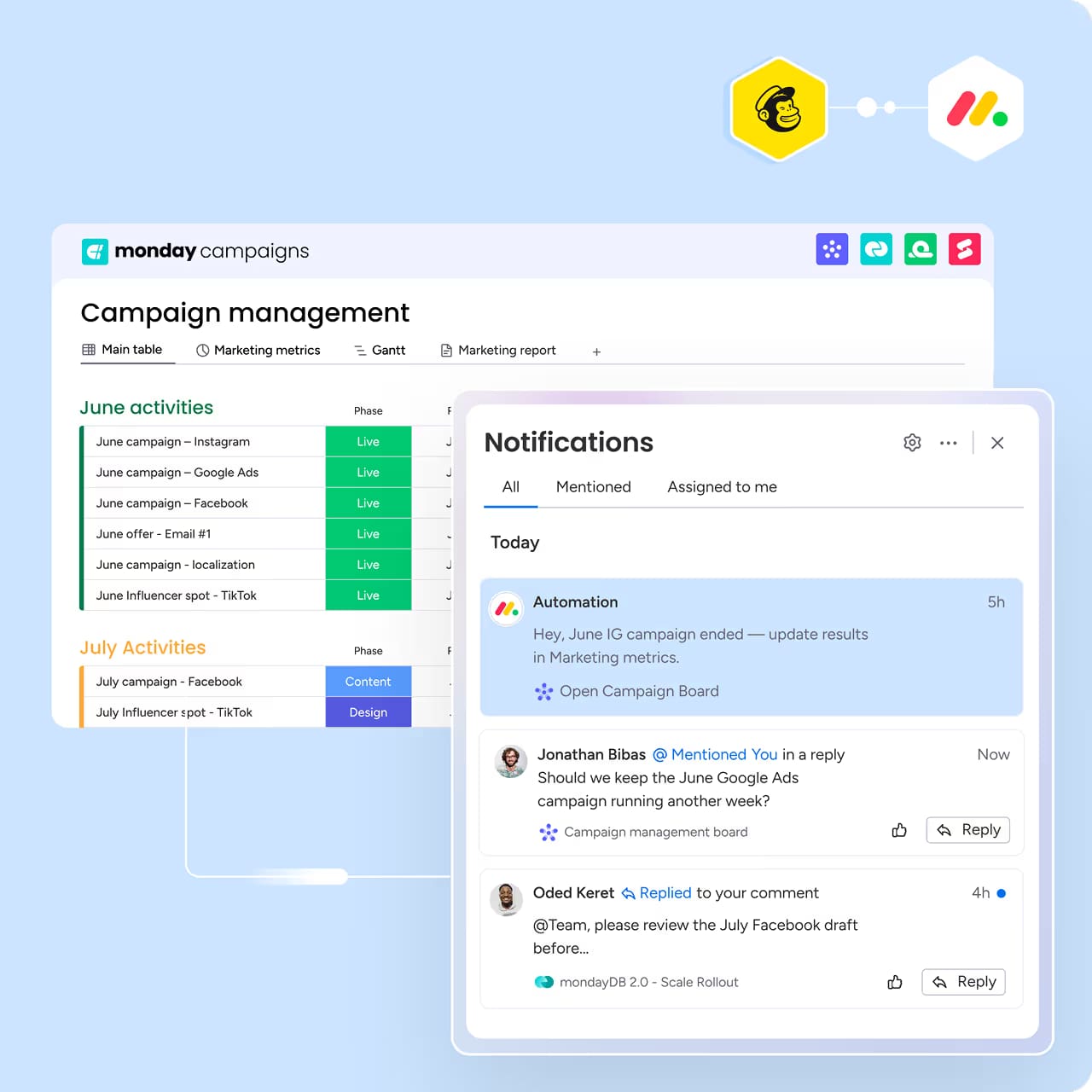
One of monday.com’s main strengths is its flexible approach to organizing work.
Teams can create boards for different projects or processes and assign responsibilities using columns, statuses, dates, owners, and other fields. Work can then be displayed through timelines, calendars, Kanban views, Gantt charts, and dashboards depending on the workflow.
Communication can also remain connected to individual work items through updates and mentions. This helps keep discussions attached to the task or project they relate to instead of separating them into unrelated conversations.
Automations and Integrations
monday.com provides automation recipes that can trigger actions when something changes within a workflow.
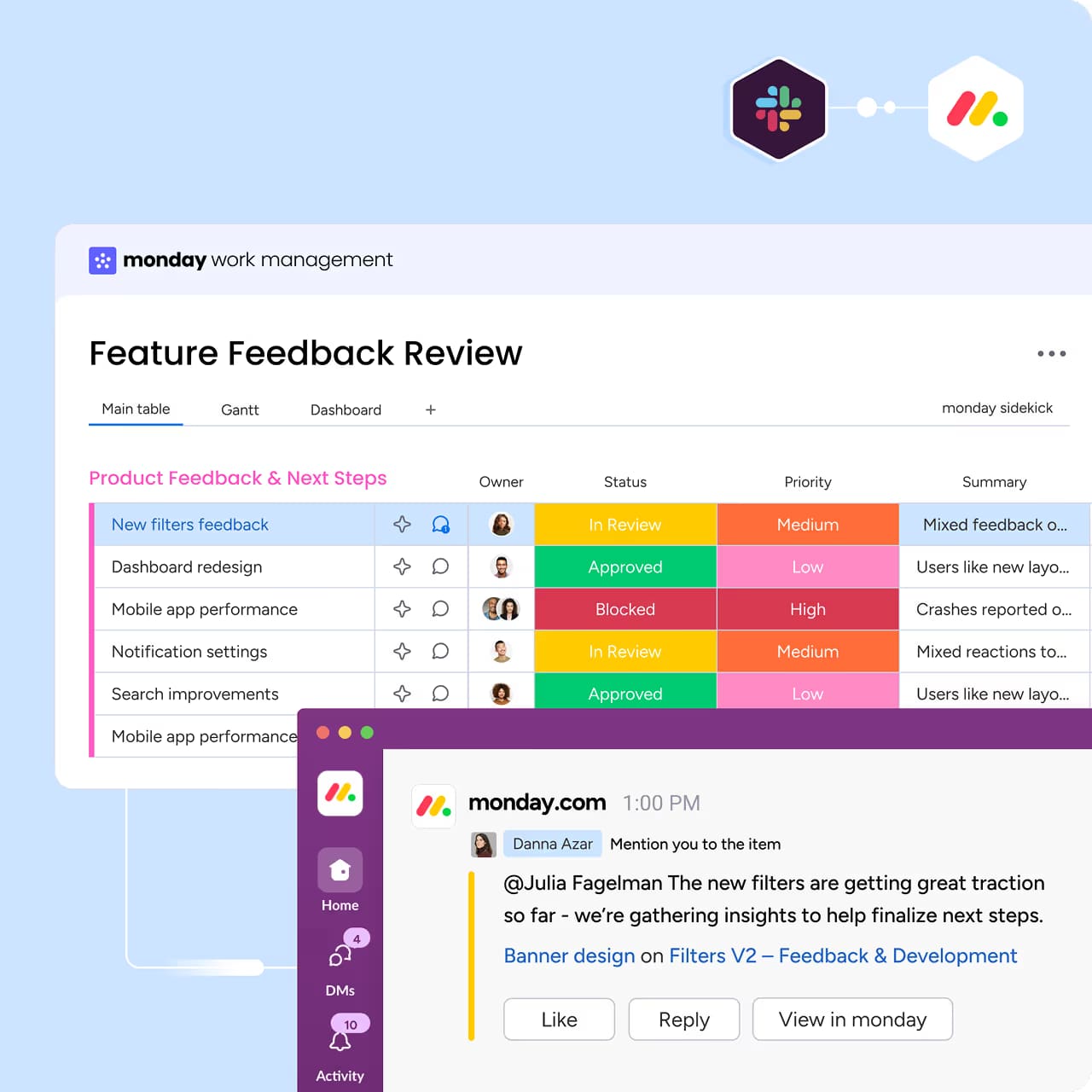
For example, a status change can trigger another action, helping teams reduce repetitive administrative work. Integrations can also connect monday.com with external applications and services.
The exact number of automation and integration actions depends on the selected plan, so larger teams should consider their expected usage before choosing a subscription.
Templates, Workdocs and Forms
monday.com provides templates that can help teams get started with predefined structures rather than creating every workflow from an empty board.
Workdocs can be used for planning, documentation, and collaboration, while WorkForms allow teams to collect information through forms that can feed directly into boards.
This combination makes the platform useful for both structured project work and information collection from employees, customers, or other stakeholders.
monday.com Pricing
monday.com offers different pricing structures depending on the product.
For the main monday AI work platform, the current pricing page lists a Free plan for up to two seats. Paid plans include Basic, Standard, Pro, and Enterprise. The pricing page currently shows Basic at $9 per seat per month and Pro at $19 per seat per month when billed annually for the displayed team size, while exact totals depend on the number of seats and billing arrangement.
monday dev has its own plans, while monday CRM and monday service also have separate pricing structures. The company states that its products can be purchased individually or bundled, depending on an organization’s requirements.
The platform also offers monthly billing, although annual plans can have different effective pricing. Because pricing and included features can change, businesses should check the current plan details before subscribing.
Pros and Cons of monday.com
Pros
- Flexible project and workflow management
- Customizable boards and views
- Dedicated CRM, development, and service products
- AI-powered workflow features
- Automations for repetitive tasks
- Integrations with external tools
- Dashboards and reporting capabilities
- Templates for different workflows
- Workdocs and WorkForms
- Mobile apps for working on the go
- Free plan available for the main work platform
Cons
- Advanced features require higher-tier plans
- Pricing can become significant as the number of users increases
- Different products have separate pricing structures
- Automation and integration limits vary by plan
- The large number of customization options may require setup time
- Some AI capabilities are available only on selected plans
Who Is monday.com Best For?
monday.com can be useful for businesses and teams that need a flexible system for organizing projects, processes, customer relationships, or development work.
Project teams can use it for task management and planning, sales teams can use monday CRM for customer and pipeline management, software teams can use monday dev for development workflows, and service teams can use monday service for tickets and support operations.
It can also suit organizations that want to connect several workflows rather than maintaining completely separate systems for every department.
Is monday.com Worth It?
monday.com provides a broad set of tools for managing work, projects, customer relationships, development processes, and service operations.
Its biggest advantage is flexibility. Teams can build workflows around their own processes instead of being restricted to a single project-management structure. Boards, views, dashboards, automations, integrations, Workdocs, and forms provide several ways to organize information.
At the same time, this flexibility means that businesses may need some time to configure the platform properly. Costs can also increase as teams require more users, advanced features, automation capacity, or additional monday.com products.
For organizations that need customizable workflows and want multiple business functions connected through one ecosystem, monday.com is worth considering.
Final Verdict
monday.com has grown from a work-management platform into a broader business software ecosystem covering project management, CRM, software development, service operations, automation, collaboration, and AI.
Its customizable boards, dashboards, integrations, automations, templates, and dedicated products give teams multiple ways to organize their work. The availability of a free plan for the main work platform also gives smaller teams a way to explore the system before moving to paid features.
The main factors to consider are pricing, team size, required features, and the amount of customization your organization needs.
If you are looking for a flexible platform that can handle different types of business workflows in one connected environment, monday.com is worth considering.